AlmaLinux for Media and Entertainment
VFX and animation studios around the world run AlmaLinux in production. You can run it at home too. It's free, it's built to stay stable for years, and the Media & Entertainment SIG has a tool that sets up your creative apps for you.
Trusted by leading studios & production houses #
These studios run AlmaLinux. If you want to work somewhere like them, you can learn on the same platform on your own machine.




What you get with AlmaLinux #
Here's what AlmaLinux gives you on a machine you make things with.
The platform studios use
VFX and animation studios standardize on this family of Linux. What you learn on AlmaLinux at home carries over to studio work.
Free, with no account
There's no license to buy and no account to create. You download AlmaLinux and install it.
Supported until 2035
AlmaLinux 10 gets security updates through May 2035. You can set your machine up once and keep working on it for years.
You decide when to update
Updates install when you choose to run them, so your machine won't restart itself in the middle of a render.
Your graphics card, handled
AMD and Intel graphics work with the drivers AlmaLinux already includes. If you have an NVIDIA card, the Creative Installer sets up the NVIDIA driver for you.
Built by a community
AlmaLinux belongs to its community through the AlmaLinux OS Foundation, a nonprofit. Artists are part of that community, and you're welcome to join them.
Get started with the Creative Installer #
The AlmaLinux Creative Installer is a guided setup for more than 40 creative apps, including Blender, DaVinci Resolve, Krita, and OBS Studio. Tristan Theroux built it, after it was requested in the M&E SIG.
Install AlmaLinux
Download AlmaLinux 10 and install it with a desktop, or use an AlmaLinux 9 or 10 machine you already have.
Hangi AlmaLinuxAdd the Creative Installer
Open a terminal and run these two commands. You'll get updates to the installer whenever you update the rest of your system.
sudo dnf copr enable tristantheroux/AlmaLinux-Creative-Installer sudo dnf install almalinux-creative-installerPick your apps
Open AlmaLinux Creative Installer from your app menu and choose the apps you want. It sets them up for you, including the extra software sources and drivers they need.
View the Creative Installer project
Missing an app you use? Open an issue to ask for it

Works with the tools you rely on #
The Creative Installer sets up most of the open source apps here for you, and the M&E SIG tests the apps it installs. For commercial software, check which Linux versions the vendor supports before you buy or install it.
Looking for something else? The certification catalog shows software people have tested on AlmaLinux, and you can add your own results. Sirvi kataloogi
 Houdini
 Nuke
 Maya
 Katana
 Mari
 Arnold
 RenderMan
 V-Ray
 Blender
 Gaffer
 Natron
 OpenColorIO
 3DCoat
 OpenToonz
 Krita
 GIMP
 Inkscape
 DaVinci Resolve
 OBS Studio
 Ardour
 Audacity
 Unreal Engine
 Godot Engine
Coming later: the Creative ISO #
The M&E SIG is building a Creative ISO, a ready-made install image with AlmaLinux 10, the KDE Plasma desktop, and the creative apps already on it. It will come in two builds, one with NVIDIA drivers and one with open source drivers. It isn't published yet, and you can follow its progress in the SIG chat channel.
Want to try it in the cloud? #
almalinux-me-ec2 launches the official AlmaLinux 10 image on Amazon EC2 and sets it up as a creative workstation, with KDE Plasma, the open source creative apps, and a remote desktop over Amazon DCV. You pay AWS for the time it runs, so shut it down when you're done.
The Media & Entertainment SIG #
The AlmaLinux Media & Entertainment Special Interest Group (M&E SIG) is a group of artists, pipeline technical directors, studio engineers, and open source contributors who work on making AlmaLinux better for creative work.
Students and freelancers are welcome. If something doesn't work on your setup, tell us in the chat so we can work on it with you.
What the SIG is working on now:
- The Creative Installer
- Testing creative apps on AlmaLinux
- Packaging Academy Software Foundation (ASWF) projects as RPMs
- The Creative ISO
Teaching animation, VFX, or game development? We'd like to hear what your students need. Come talk to us in the SIG chat channel.
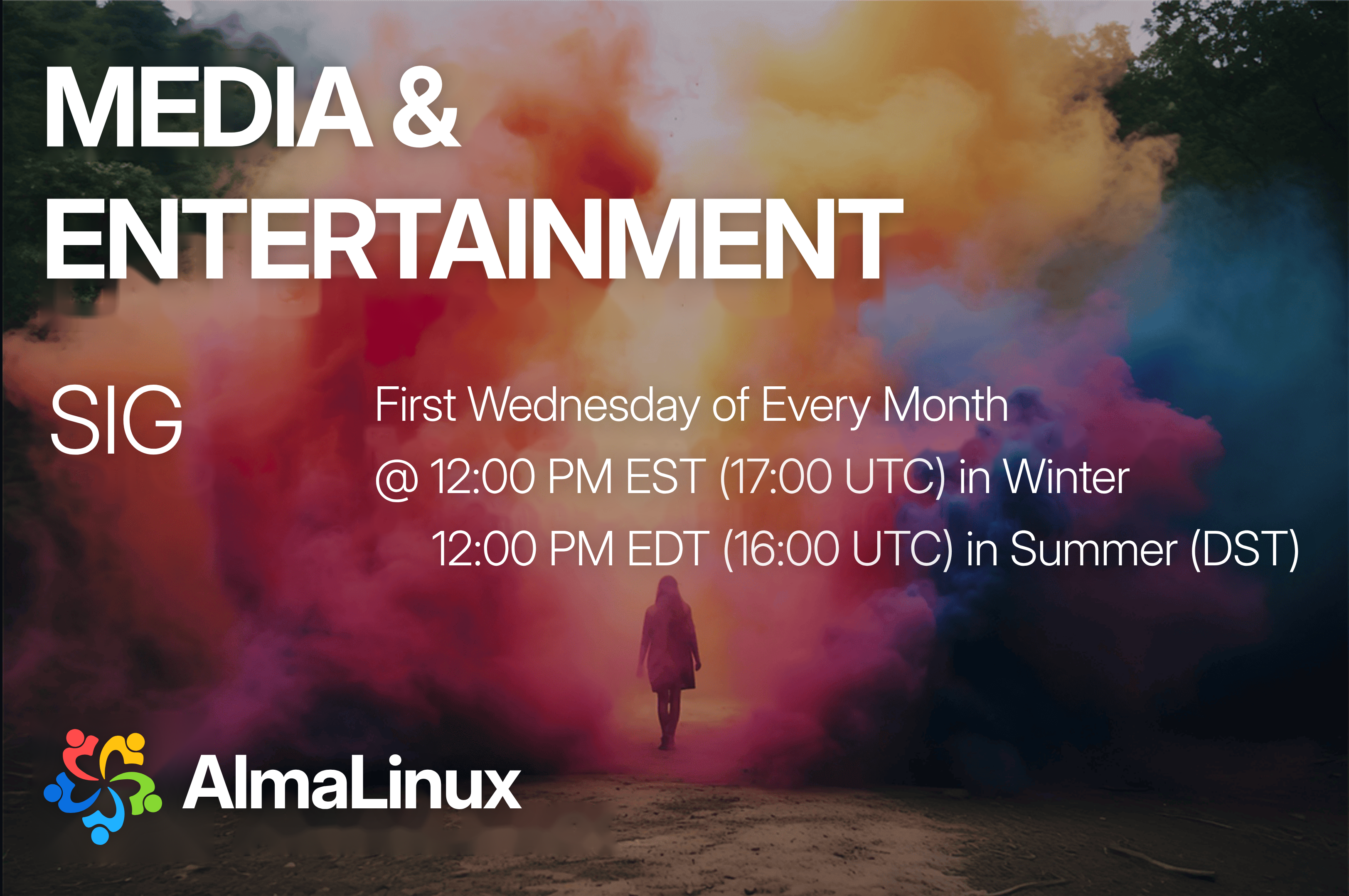
The SIG meets on the first Wednesday of every month at 12:00 PM Eastern Time.
Running a studio or facility? #
If you're choosing what to run on a room full of workstations or a render farm, here's the short version.
Long support
AlmaLinux 9 gets security updates through May 2032, and AlmaLinux 10 through May 2035.
RHEL compatible
AlmaLinux is binary compatible with Red Hat Enterprise Linux (RHEL), so software built for RHEL runs on it. Each vendor sets its own support policy, so check with them.
Support for your team
Community help is free, and commercial support is available from companies in the AlmaLinux ecosystem. See support options
Hardware choice
Builds for x86_64, aarch64, ppc64le, and s390x, plus an x86_64_v2 build of AlmaLinux 10 for older x86 hardware.
Cloud and hybrid
Official images for AWS, Azure, Google Cloud, OCI, and OpenNebula, so you can send renders to the cloud on the same OS you run on site.
Security and compliance
Signed packages, public errata, and FIPS 140-3 validated cryptographic modules for AlmaLinux OS 9.2. Read about FIPS validation
Planning a deployment? The M&E SIG includes people who run AlmaLinux in studios, and you can compare notes with them in the chat. Talk to the SIG